


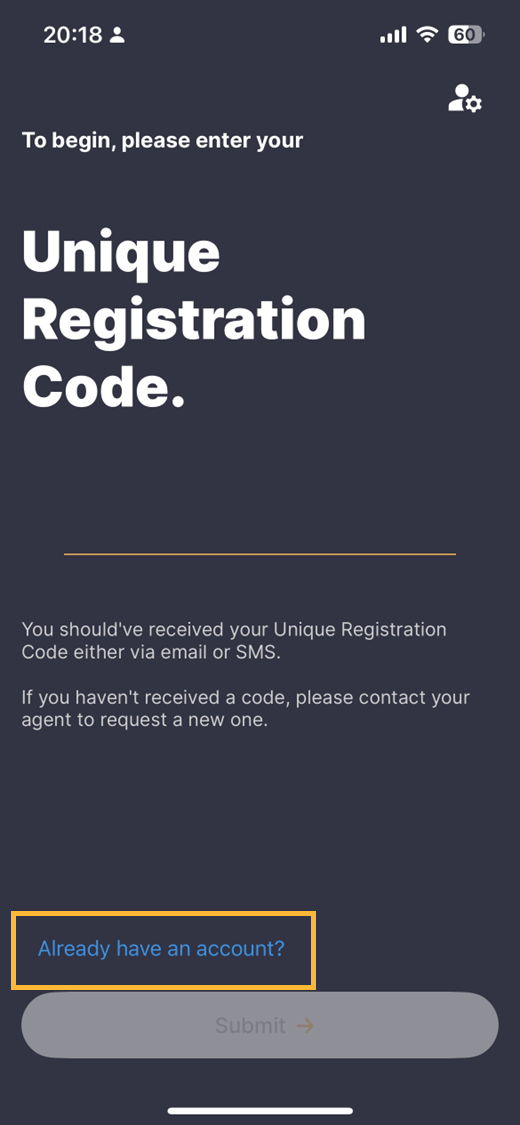
If you have previously registered your email with us, you can sign back in by clicking 'already have an account' on the Credas app or the Credas web-app as can be seen in the image below.
You can access the web-app by clicking here: https://myconnect.credas.com/sign-in Still valid?
Please ensure you are using the same email address as you previously set-up. You will also be asked to enter your password and either use your authenticator app or SMS depending on which method you previously choose.
If you have forgotten your password, please read our instructions here.
If you need help with the authenticator app, please view our examples here.